English
Connection
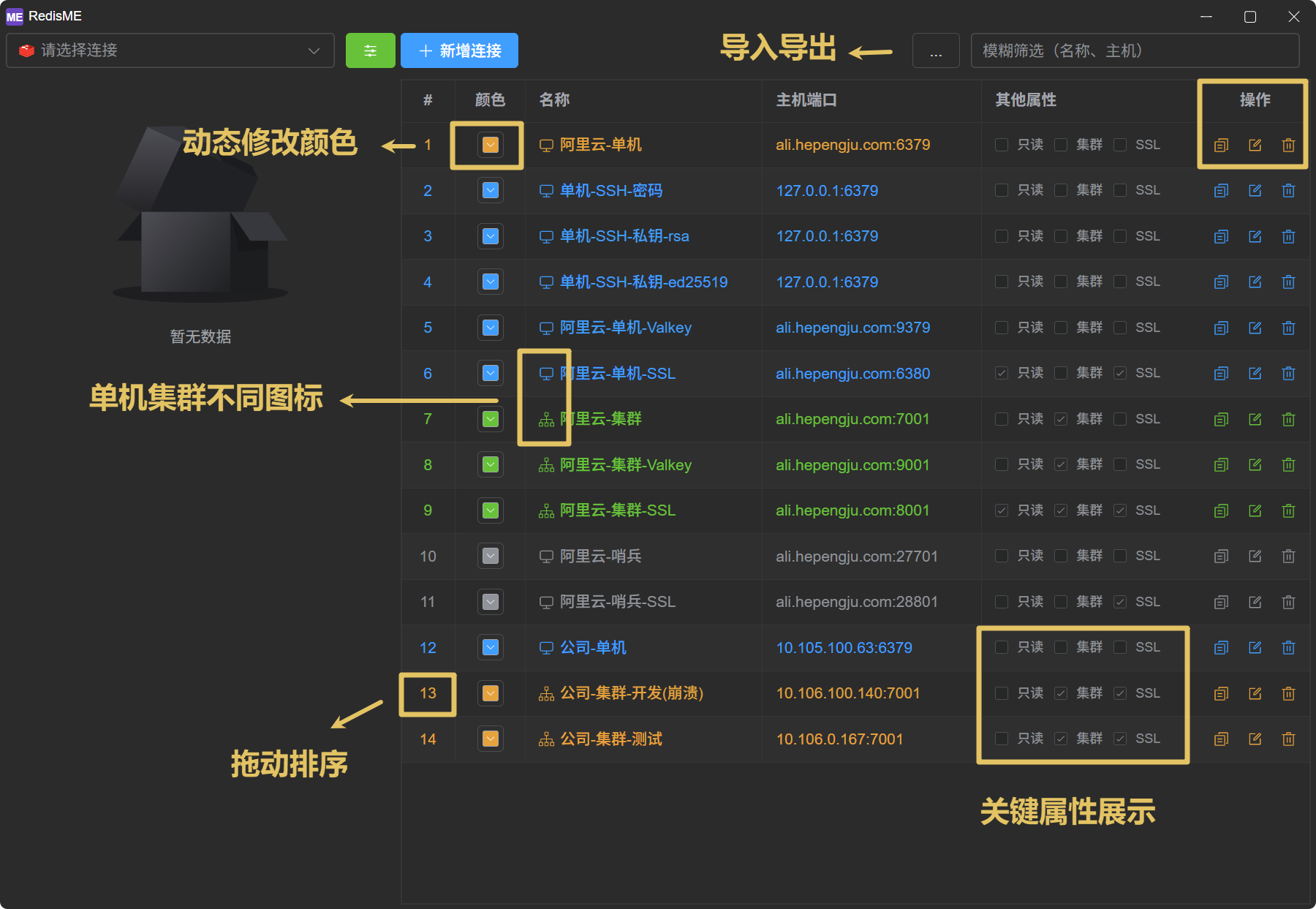
The connection management in RedisME is simple and elegant.
Overview
- Connection List: Fuzzy filtering, color customization, key property display, drag-to-reorder, copy connections, etc.
- Export/Import: Export existing connections to a JSON file and import connections from a JSON file
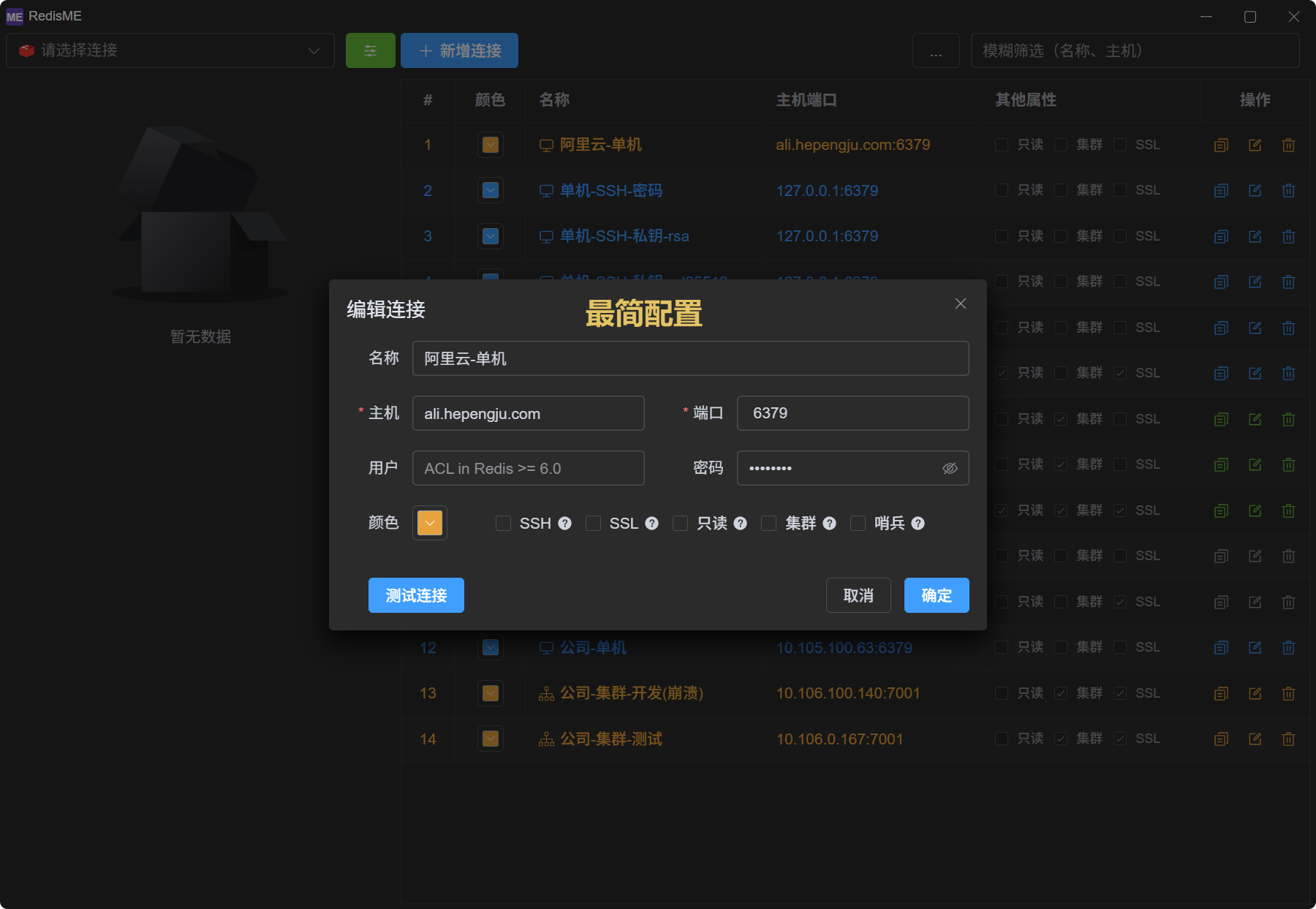
- Add Connection: Supports SSH, proxy, SSL, read-only mode, cluster, sentinel, and other configurations with connection testing
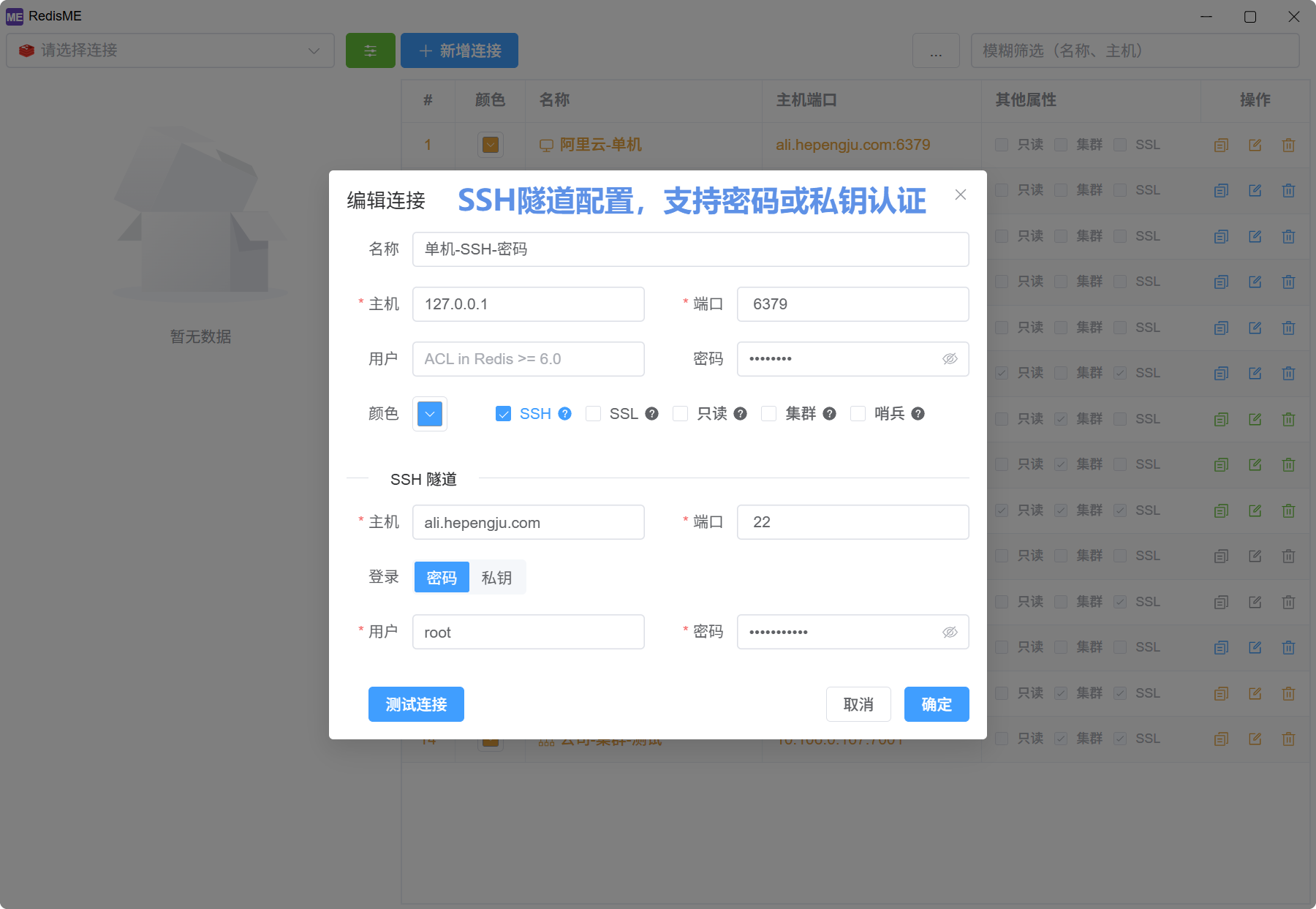
- SSH: SSH tunnel mode is suitable when the Redis server is on an intranet and cannot be accessed directly, requiring a jump server. Works with standalone, cluster, and sentinel.
- Proxy: HTTP / HTTPS / SOCKS5 / SOCKS5H, or “use system proxy” (env vars and Windows/macOS static settings; Linux reads env vars only). Mutually exclusive with SSH. If cluster node IPs from
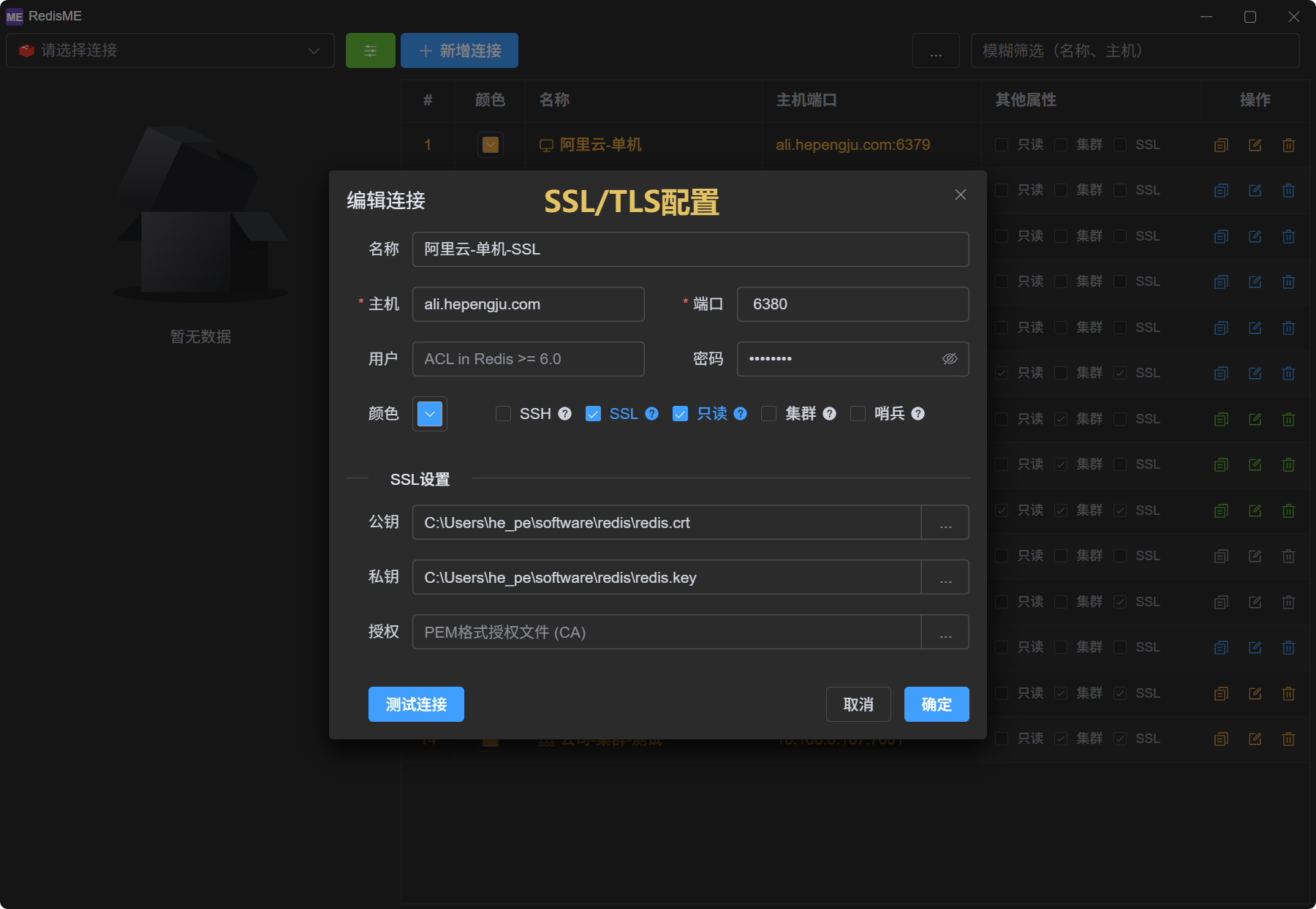
CLUSTER SLOTSare unreachable via the proxy, use SSH instead. - SSL: Use when the Redis server has TLS/SSL enabled; client certificate and private key may be required
- Cluster: Simply fill in the address of any node, and all nodes in the cluster will be automatically identified
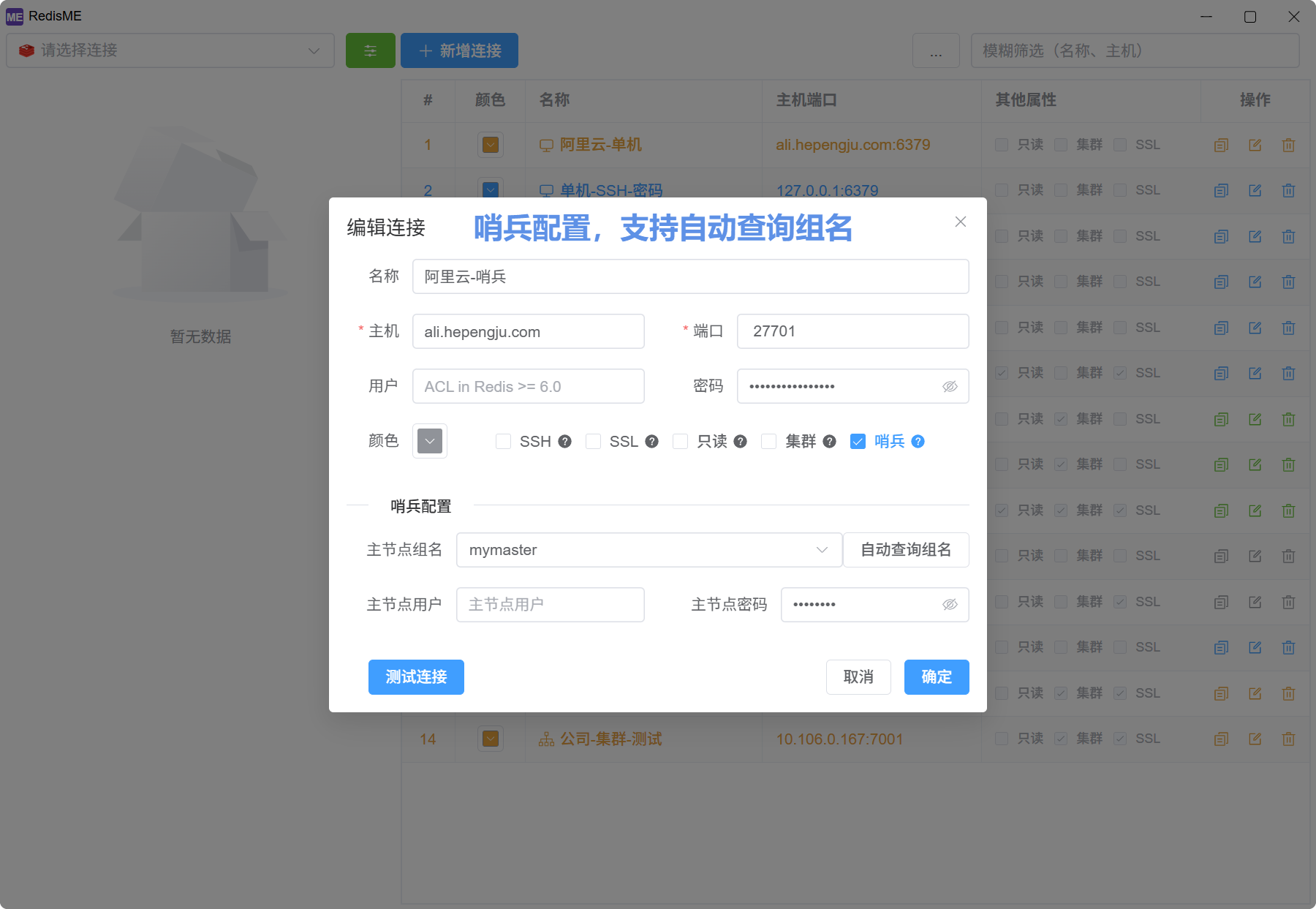
- Sentinel: Choose any sentinel, and fill in the sentinel's address, port, and password according to the sentinel configuration
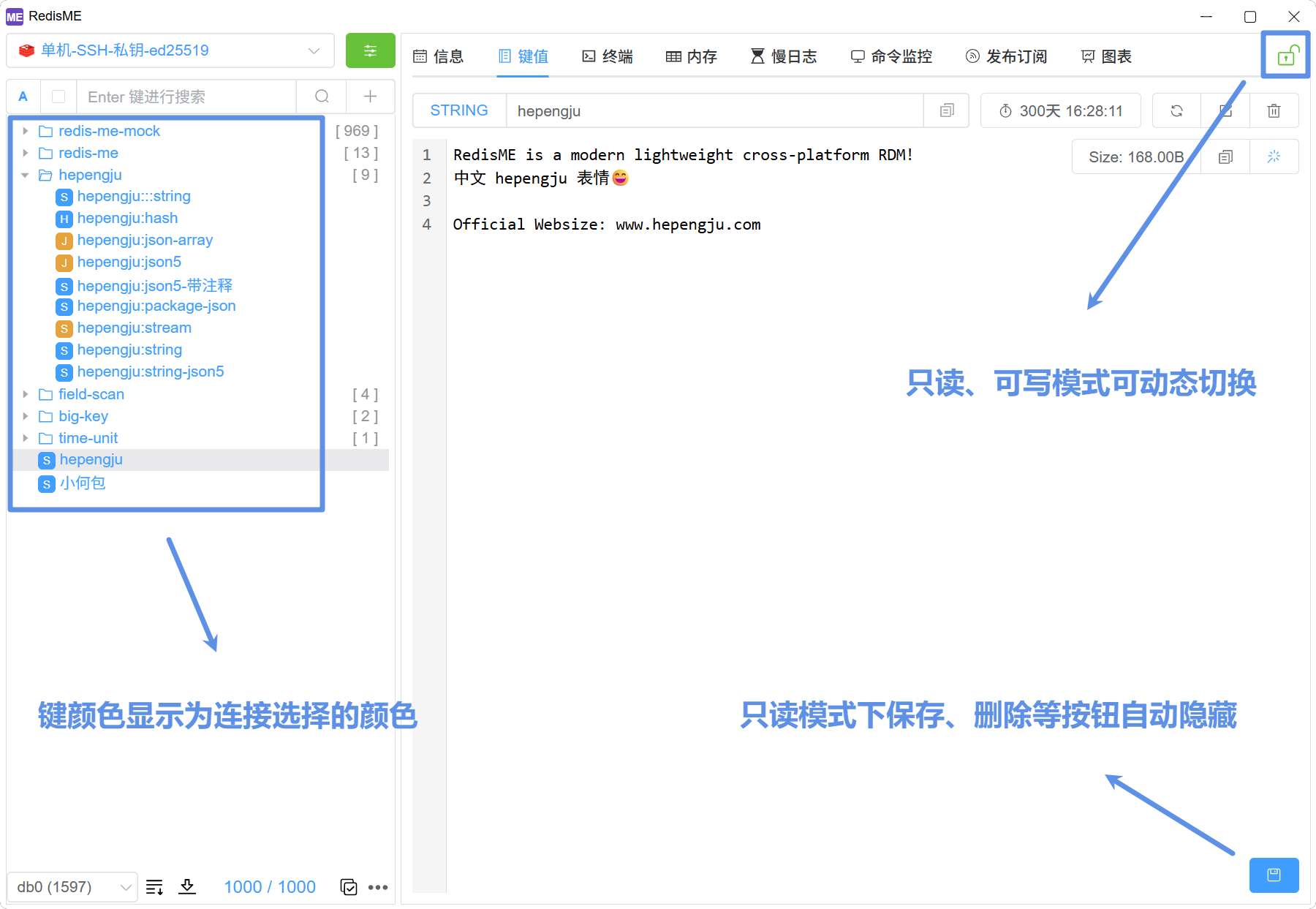
- Read-only: All edit, delete, and write buttons are hidden. You can dynamically switch between read-only and read-write modes via the lock icon