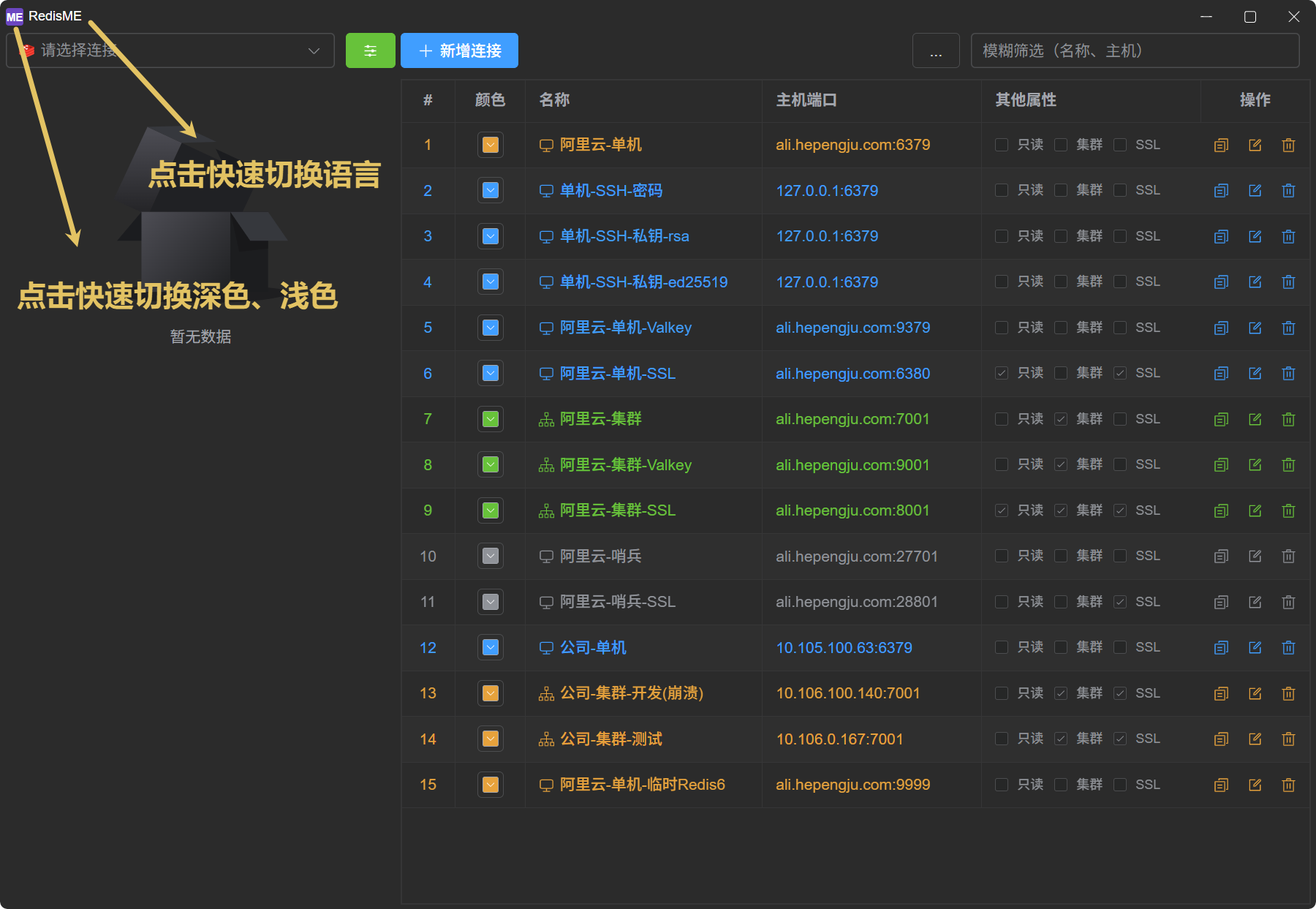
English
Special Features
Readonly | Writable
In read-only scenarios, buttons related to modifications are automatically hidden, making the interface cleaner while preventing accidental operations and improving security. When data needs to be modified, click the 🔒 lock to unlock and edit.
Redis Info
Key information such as runtime, total number of keys, number of clients, memory usage, and persistence configuration is prominently displayed. All parameters are displayed in tables, with detailed explanations added for each parameter, making it easy for users to quickly identify and understand.
Redis Config
- Reference: Default configuration parameters for Redis 8/7/6, etc., can be viewed.
- Differences: Quickly view the differences between the current configuration and the default configuration.
- Explanation: Each configuration parameter includes a detailed explanation.
Terminal Commands
In cluster mode, support for executing commands on specific nodes and automatically broadcasting commands (e.g., config set xxx). Supports command list hints and detailed explanations.
Memory Analysis
Allows fine-grained configuration of the number of scans per session, sleep time, total number of scans, etc., making it easier to quickly process keys that occupy large amounts of memory.